
Modern technology can’t surprise anyone these days: we take all gadgets’ features for granted. This article is going to show you that there’s still something interesting hidden in our everyday smartphones.
Useful iPhone functions
Snooze your alarm clock with the help of 1 button.
 © pixabay
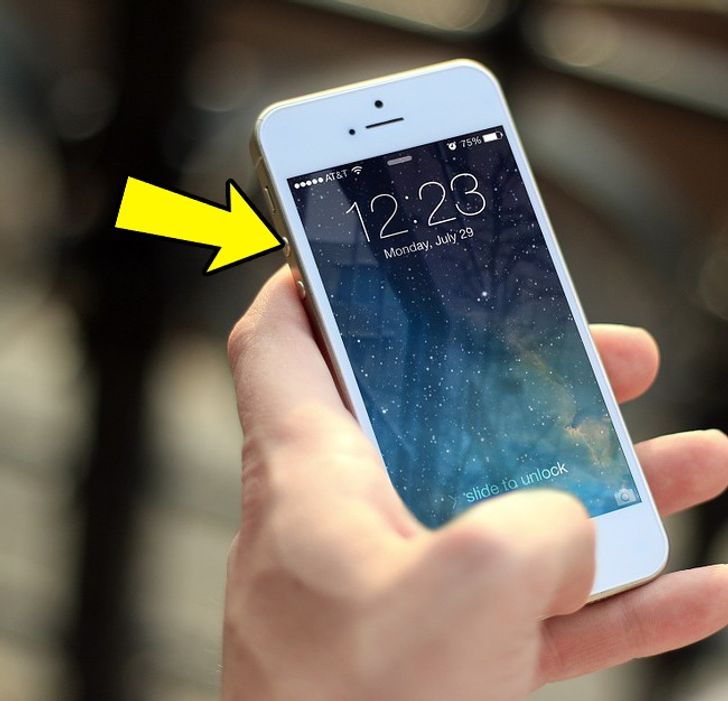
Do you hate waking up to your first alarm? You can snooze it by pressing one of the volume buttons or a power button. The alarm clock will ring in 9 minutes.
See when a text message was sent or received.
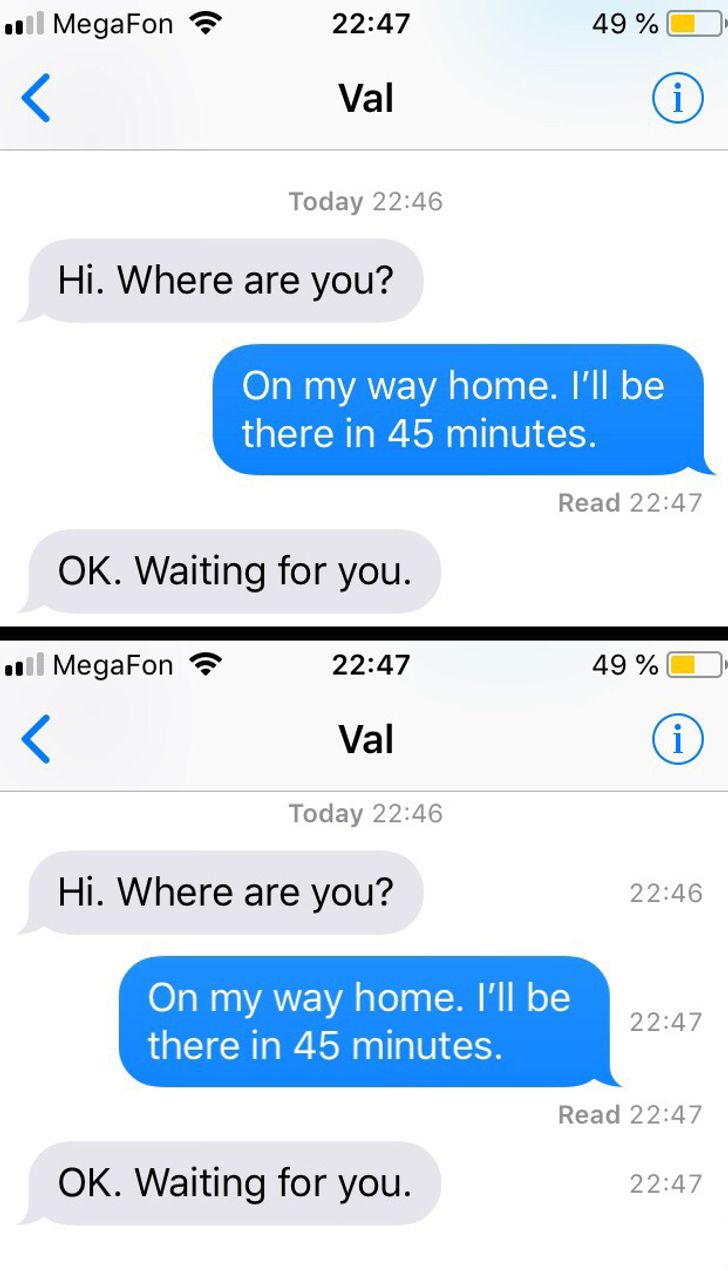
Another surprising iPhone function lets you see when a text message was sent or received. Swipe left on the screen and hold your finger there.
Calls announcing themselves while wearing earpieces
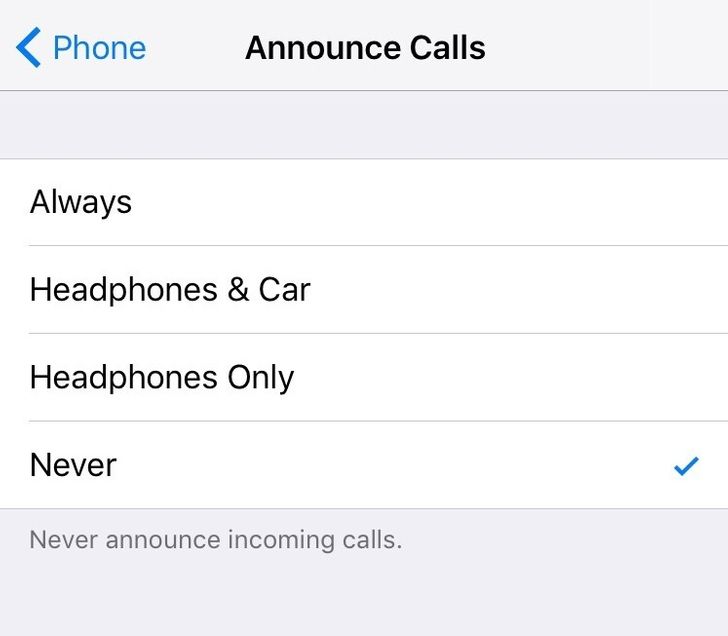
Are you fed up with sudden calls that make you take your phone out of your back pocket? You can actually answer calls while wearing your earpieces. You just have to activate the Announce Calls mode. Now you’ll hear the name of the person who is calling you.
Guided Access while other people use your phone
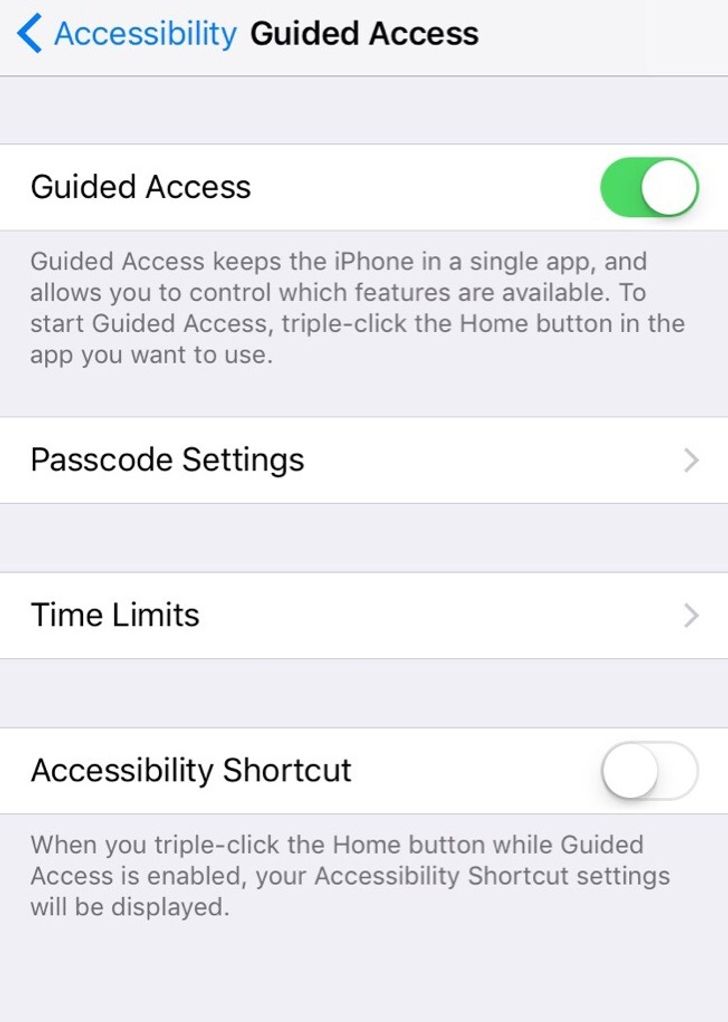
Guided Access is a function that allows you to hide your personal stuff when you give your phone to someone else to use. You may activate this function in general settings, then accessibility.
Useful Google Play functions
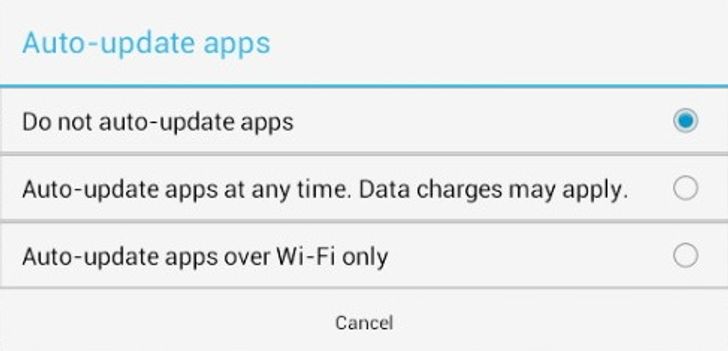
Disable auto-updates
 © maketecheasier.com
You may turn the auto-update app’s function off in order not to confuse and overload your smartphone. This is really useful for those who have old or weak phones. By the way, you can block auto-updating of just one app.
Parental Control function for Google Play
 © theandroidportal.com
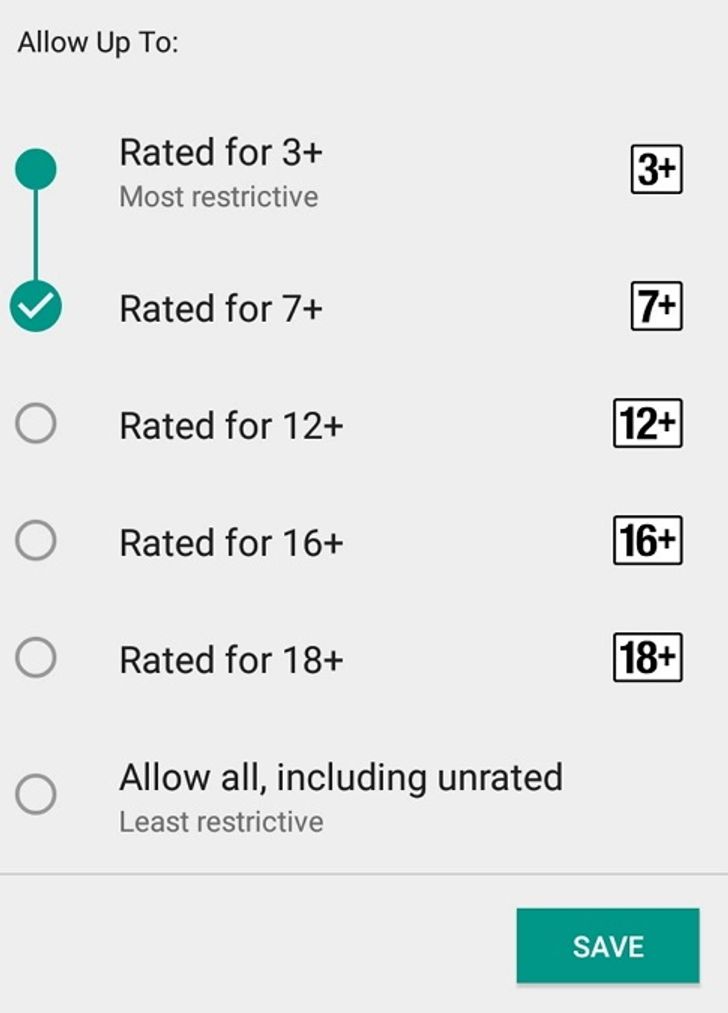
You’re able to protect your child with the help of the Parental Controls feature. You can set up necessary age limits on Google Play to shield a child’s eyes from inappropriate content.
Apps that you’d like to install later
 © techglimpse.com
There’s a My Wishlist feature on Google Play. If you find a great game but can’t find time to play it now, you can put it on your wishlist. So whenever you want, you can open your wishlist and install all the apps you’ve been saving.
Installed apps library
 © talkandroid.com
Did you buy a new phone? That’s not a problem. All your apps are saved in a library folder. Go there, choose an app that you’d like to install, and download it.
Cool Android features
Do you want to try features hidden in the newer Androids? Activate Developer Options that are located in settings. You’ll be able to use 50 new functions that will improve your phone’s functionality.
Extend your smartphone’s battery life.

To make your phone battery live a bit longer, you can choose the Monochromacy Mode from the list of all the color space options available. The reduced number of colors will let you keep your smartphone battery from dying sooner.
Saving information to external storage
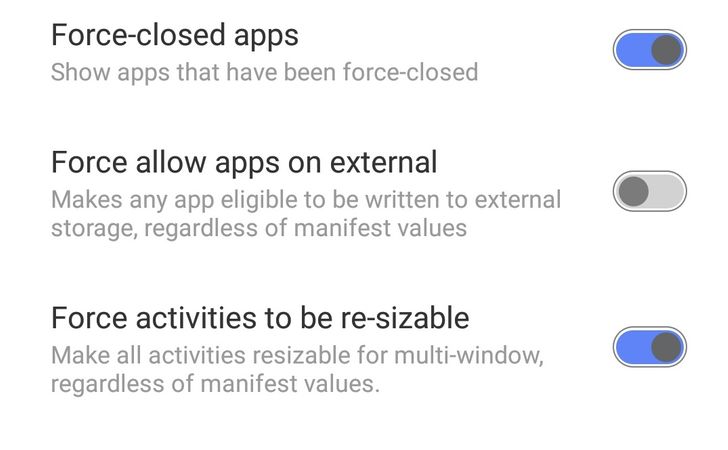
Manufacturers often disable this useful function though it’s really inconvenient for users. Allow your phone to store data on a micro SD card. But be careful with this function: some apps may not work properly.
Multi-Window mode in new Androids
 © android.gadgethacks.com
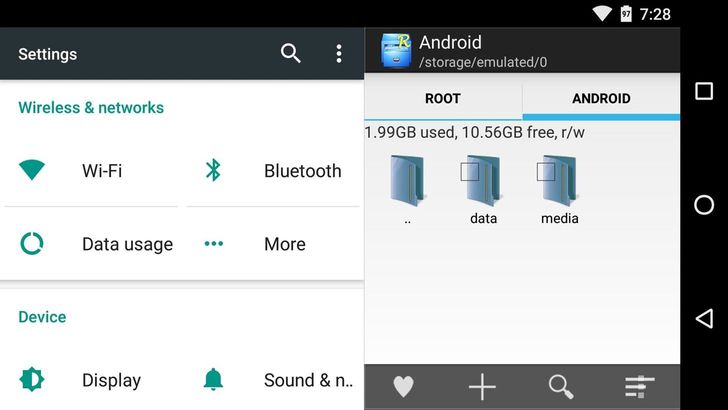
Multi-Window mode is a new feature you can find in the latest Android versions. Do you need to work on several apps at once? Activate “Force activities to be re-sizable for multi-window”. When you enable this feature, you’ll see the list of all the apps you may open.
A cat-collecting easter egg
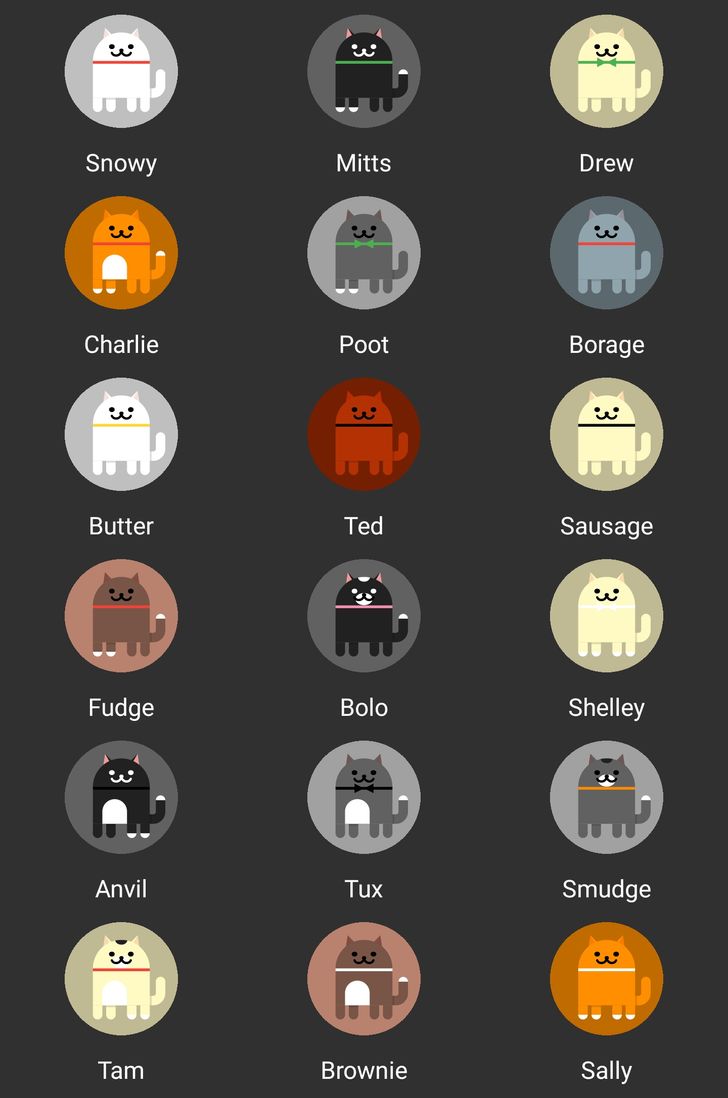 © Prism7/ reddit
Android 7 has a secret feature added by developers. There’s a game where you have to collect cats. It resembles Pokémon GO but it doesn’t involve virtual reality.
Bonus: Take a picture and zoom in for close-ups.
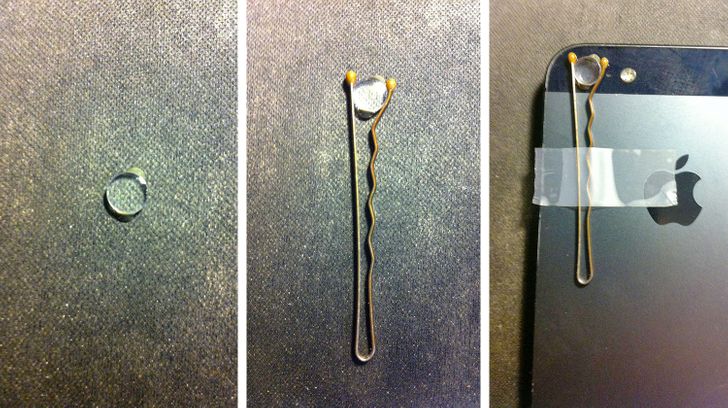 © unknown user/ imgur
To get a better view of small details, you’ll need your phone and an old laser pointer. In a laser pointer, there’s a focusing lens glued in there that you’ll have to remove. All you have to do is attach the lens to your phone’s camera. That’s it!
Please note: This article was updated in March 2023 to correct source material and factual inaccuracies.
 zi ang